Move by voice.
「かんりょう」 completes, 「スキップ」 skips, and 「あとで」 holds. Answer the spoken item, and the list moves on. Speech and recognition stay on the device, and the microphone is used only while the app is open.
It asks by voice.
It moves by voice.
「かんりょう」 completes an item. 「あとで」 holds it.
Answer what is read aloud, and the list moves on.
Coming soon · iPhone / iPad · iOS 18 or later
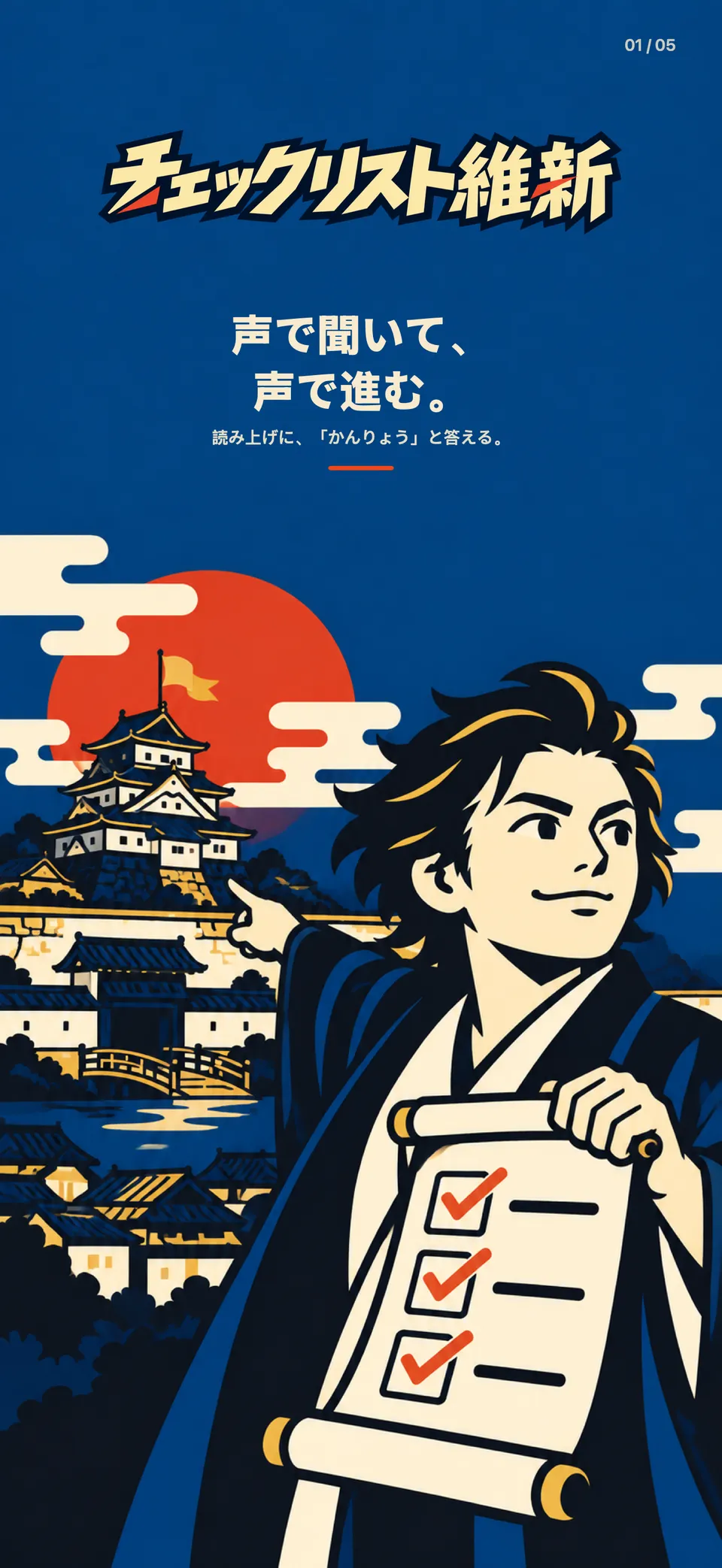
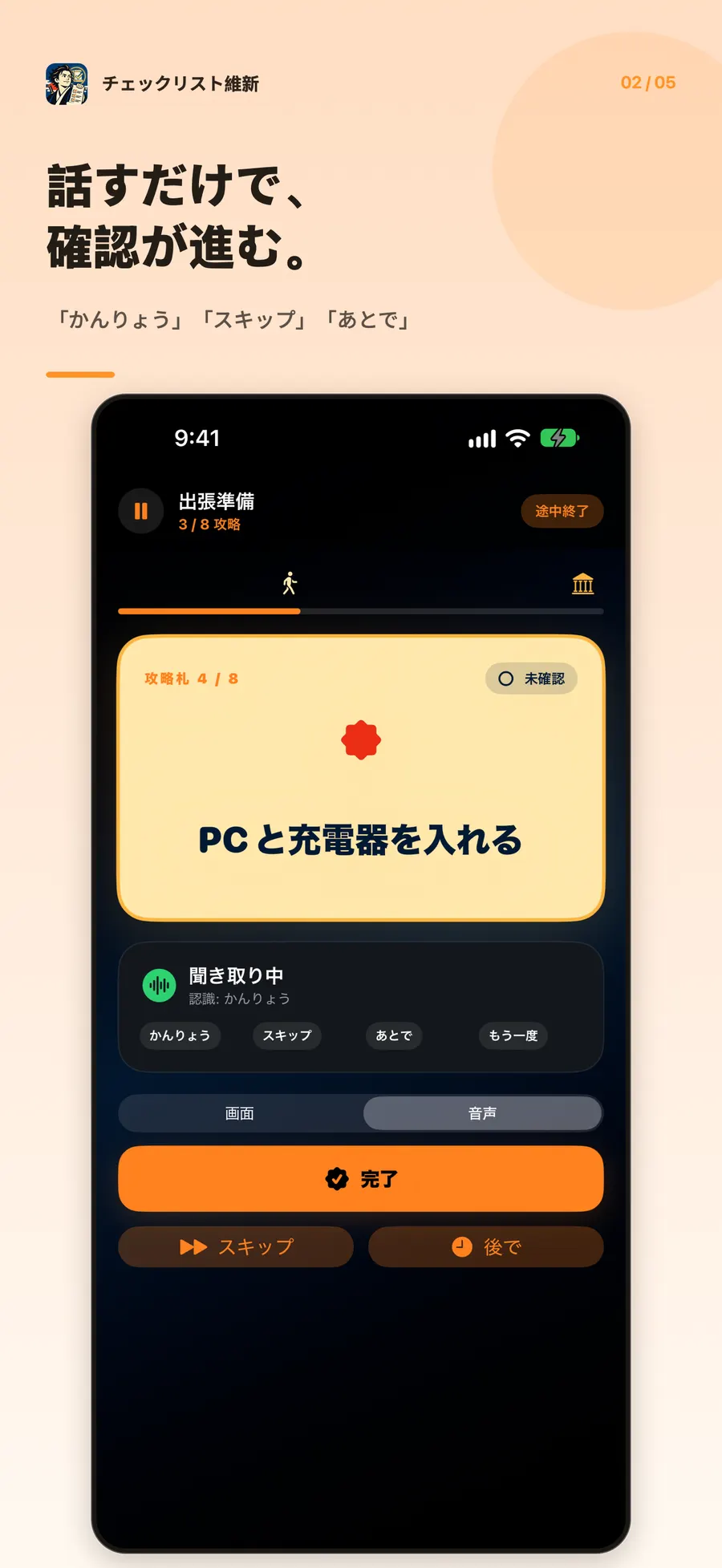
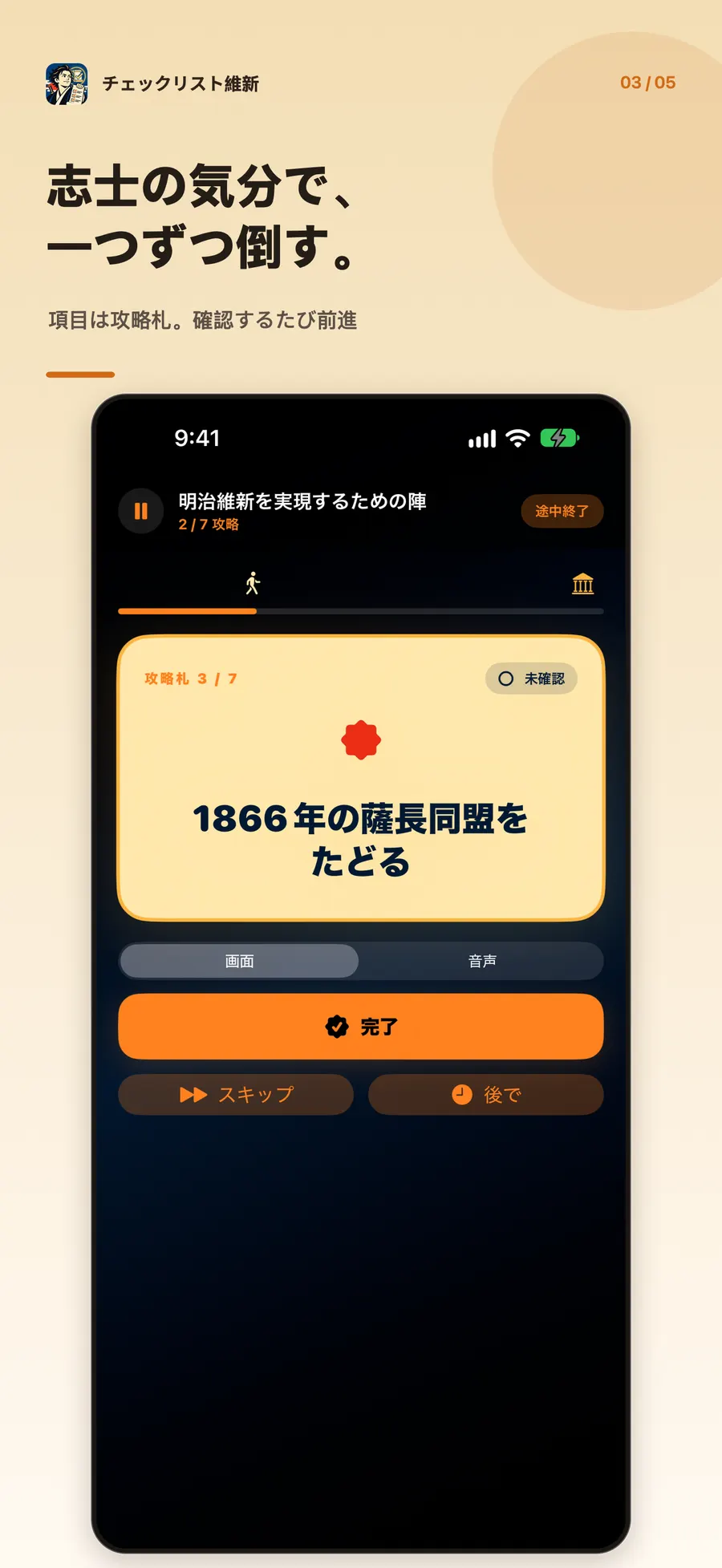
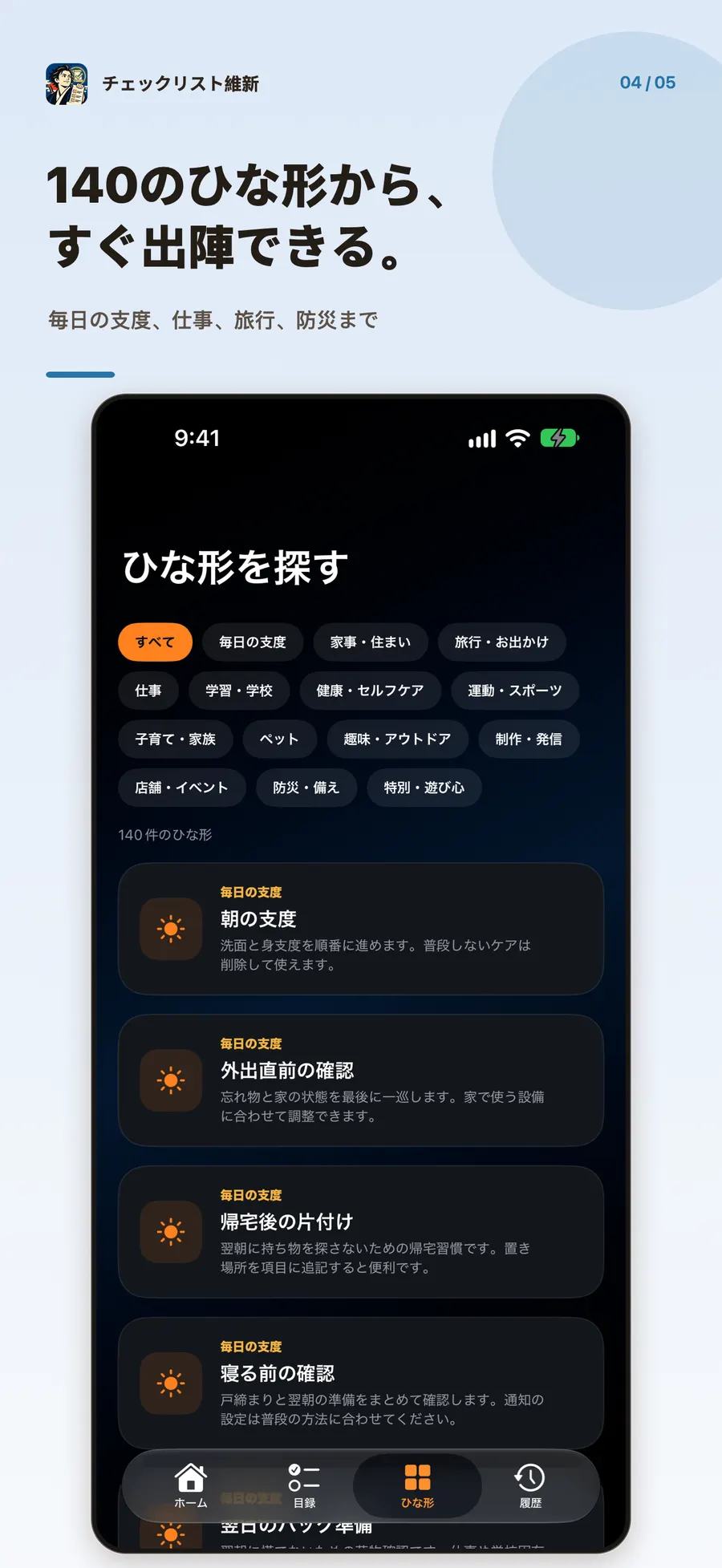
「かんりょう」 completes, 「スキップ」 skips, and 「あとで」 holds. Answer the spoken item, and the list moves on. Speech and recognition stay on the device, and the microphone is used only while the app is open.
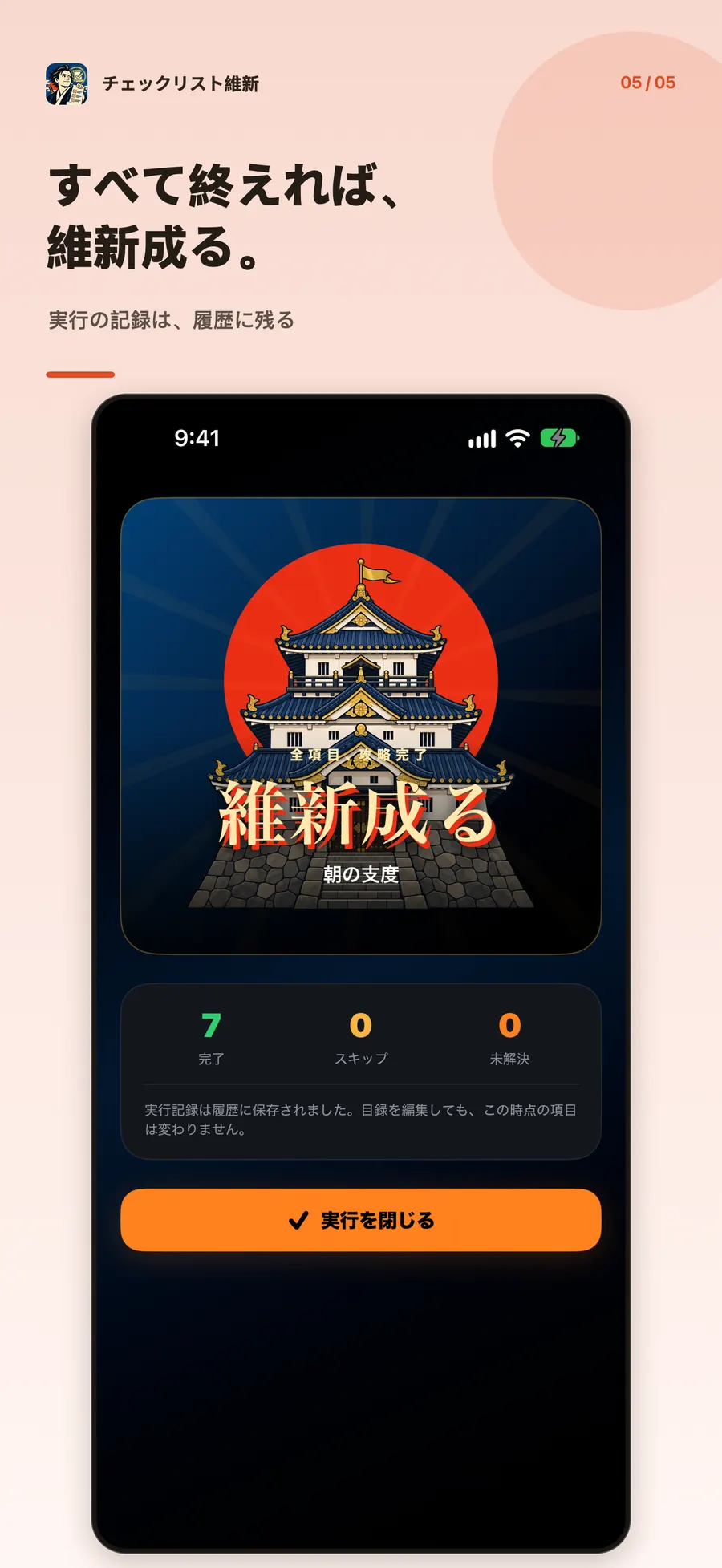
Keep a procedure you repeat. Each run saves the items and photos as they were, so a later edit does not change the past record.
From a morning routine to travel, work, and disaster prep. Duplicate a template and make it yours. Add photos, and notifications that fire only on the device.
Lists, photos, history, and settings stay on the device. There is no account, and no cloud sync.
Privacy policyCommon questions
In voice mode, the app reads each item and moves on 「かんりょう」, 「スキップ」, or 「あとで」. 「もう一度」 reads it again. 「中断」 pauses. You can change the complete and later words to hiragana. When recognition is unavailable, the same actions are on screen.
No. Voice mode runs only while the app is in front, and recognition pauses during speech. The microphone does not wait in the background. Audio and recognition results are not sent to the studio’s servers.
In the app’s storage on your device. Lists, photos, and history are not sent to the studio’s servers. Depending on your device settings, they may be included in an OS backup such as iCloud.
No. At the daily, weekly, or monthly time you set, the device itself posts the notification. The text includes the list name. You can still open the app and run a list if notifications are off.
A cover or an item can hold a photo you take or one from your library. Images stay on the device. The studio does not receive them. When a run starts, the photos from that moment are also kept in history.
No. A run keeps the items and photos from the moment it started. Updating a template does not change a list you already duplicated, or any past history.
Coming soon · iPhone / iPad · iOS 18 or later